How to add the characters to your story
Who is in it, with a photo or a 3D avatar, and how to review their portraits before the story is created.
Characters are added on two screens: first who is in the story and what part they play, then what each one looks like. Before the story is written you see their portraits and can change them.
The main character
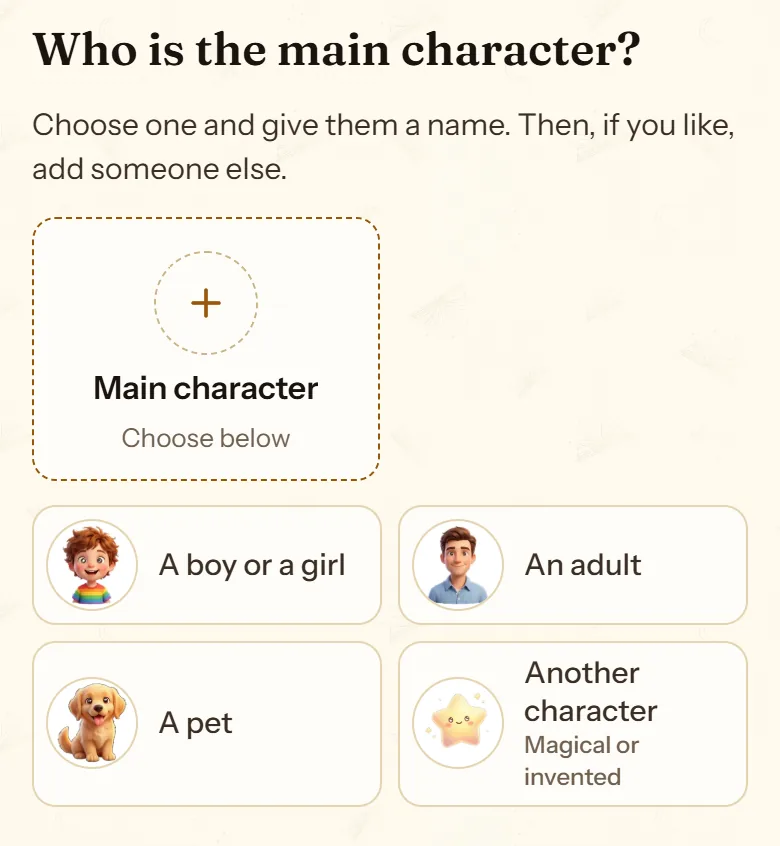
The first question is “Who is the main character?”: “A boy or a girl”, “An adult”, “A pet” or “Another character”, magical or invented. You give them a name and an age. The age helps the drawing look like them.
Who comes along
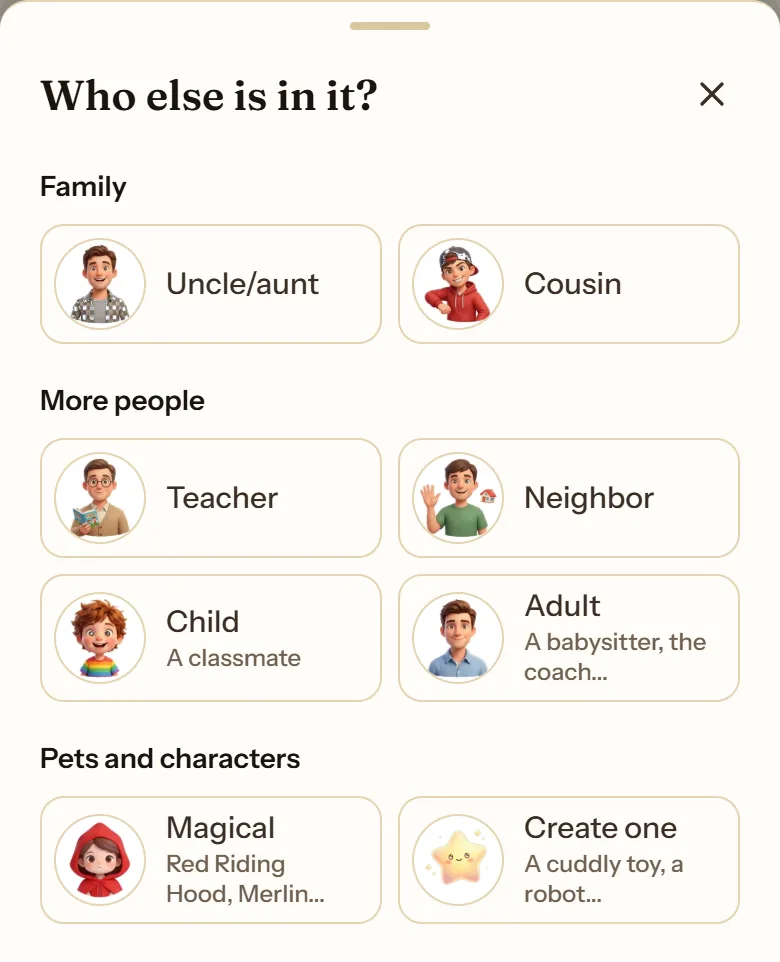
Next, the screen offers the most common companions, one tap each: a pet, a friend, mom, dad, a brother or sister, a grandparent. “Someone else” holds everyone else (uncles and aunts, cousins, teachers, neighbors…) and the option to create one from scratch. Each card is a single character.
The cast holds up to 4 characters, 2 in the free gift story. Each one gets a role: main character, co-star, companion or villain.
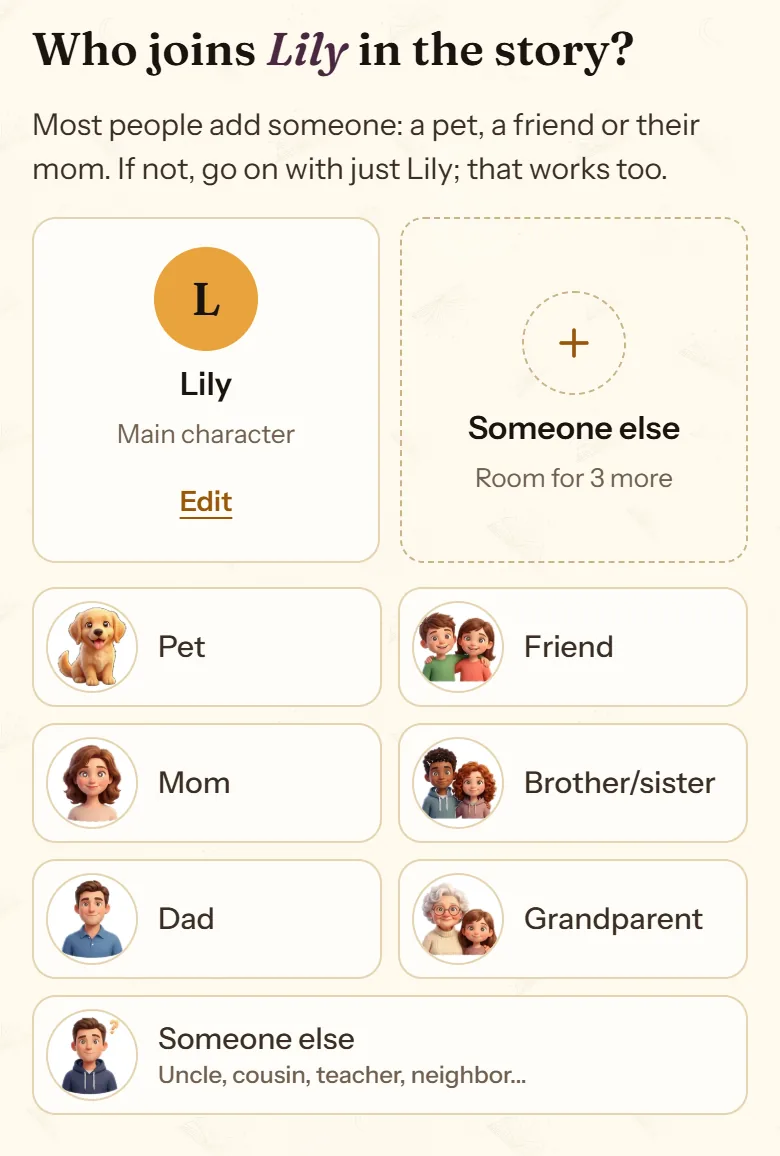
- The main character, with their name and age.
- The most common companions, one tap each.
- “Someone else”: the rest of the family, friends and characters.
Characters that are already drawn
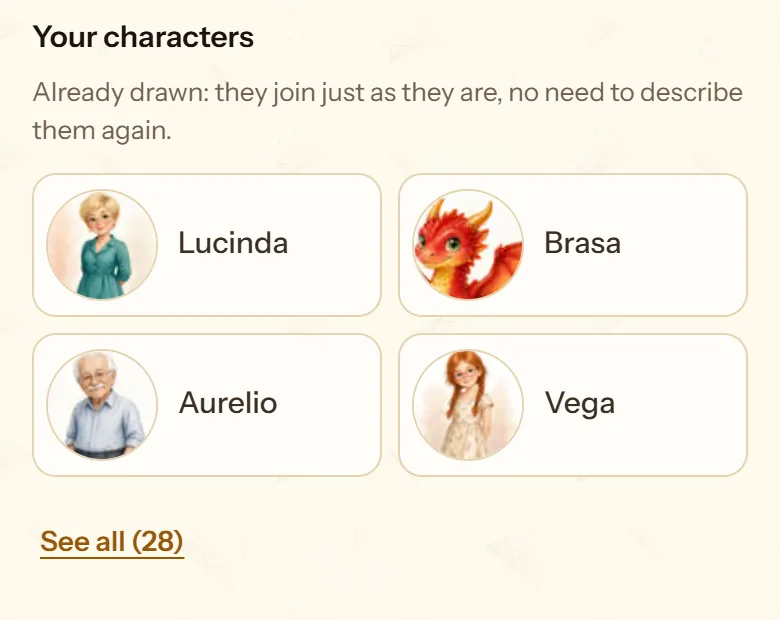
Your characters are the ones you already drew in other stories: they join just as they are, with no need to describe them again, and look the same as last time. Magical characters is a catalog of 41 characters from fairy tales and legends (Red Riding Hood, Robin Hood, Zeus, Merlin…), also ready to join. Each one takes a spot in the cast.
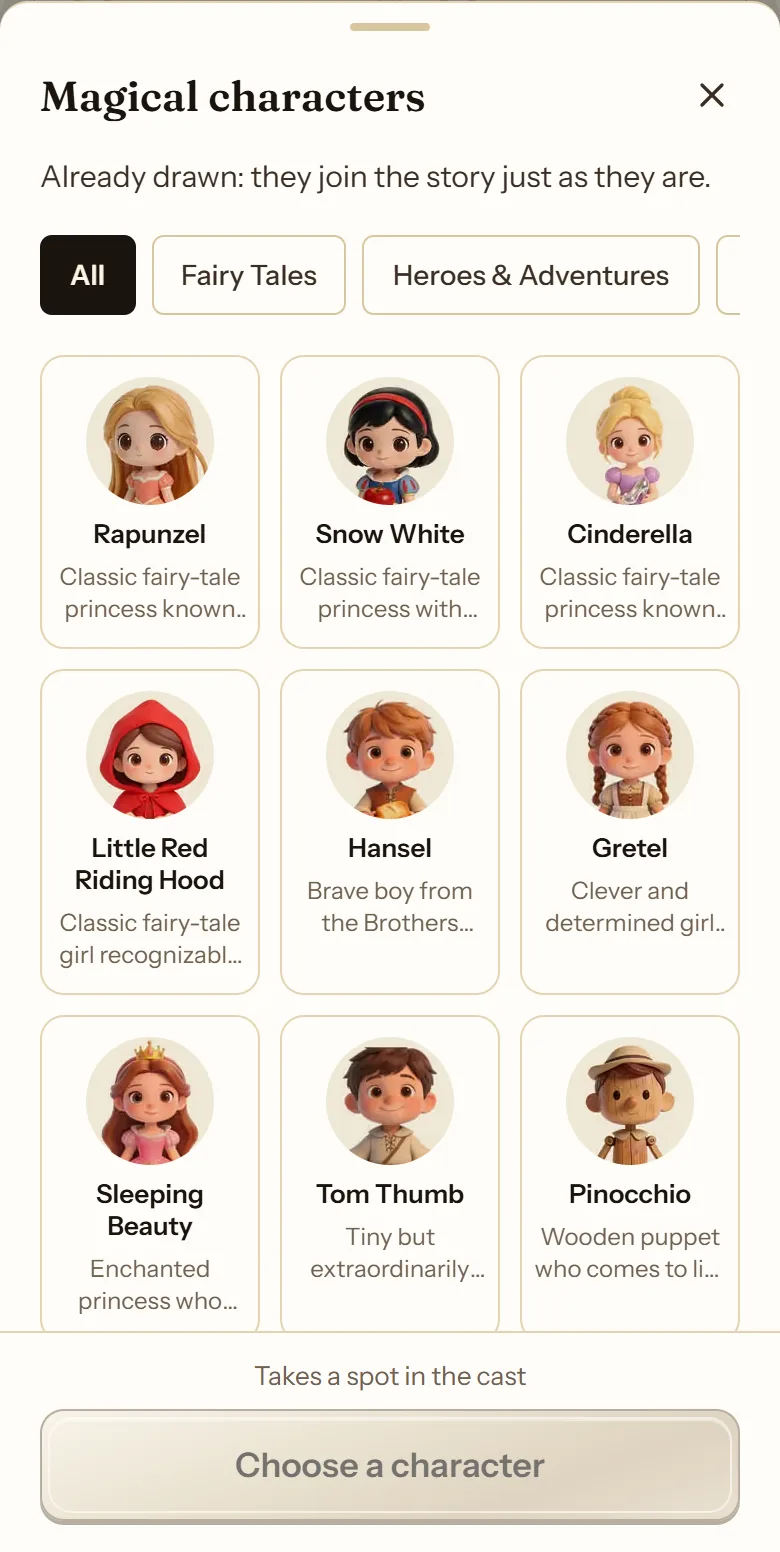
What each one looks like: with a photo
On the next screen you describe each character. The recommended option is Upload a photo: a photo of their face, in good light and with no one else in it. cuentosIA checks it and lets you know if something seems off (a different age, another person in the photo, a face that can’t be seen) and offers to crop it or change it. When the story is finished, the original photo is deleted.
Below the photo, “Tell us what they're like, too” is an optional space for their personality: how they act and talk in the story.
The photo is only used to draw the portrait: the story shows the illustration, never the photo.
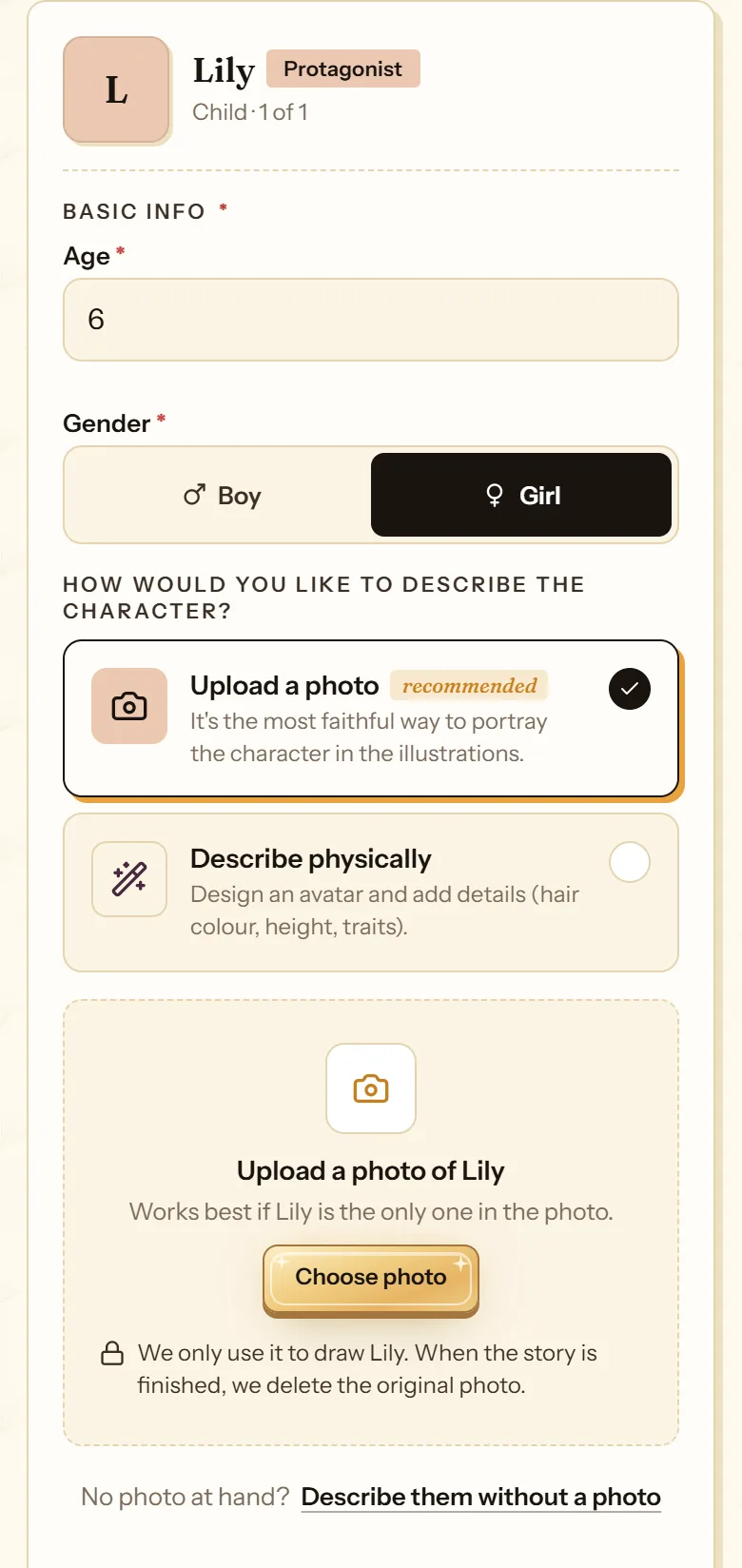
- “Upload a photo”, the recommended option.
- “Describe physically”, with the 3D avatar.
- Choose the photo and adjust the crop.
- The original photo is deleted when the story is finished.
No photo: the 3D avatar
If you would rather not upload photos, choose Describe physically and build their 3D avatar: hair, face, eyes, accessories, body and extras. On a phone it opens full screen and has a “Surprise me” button. Anything the avatar can’t show, like a small scar, goes in “Details the avatar cannot show”.
You can also describe what they are like on the inside, their character and their quirks, under “Personality”.
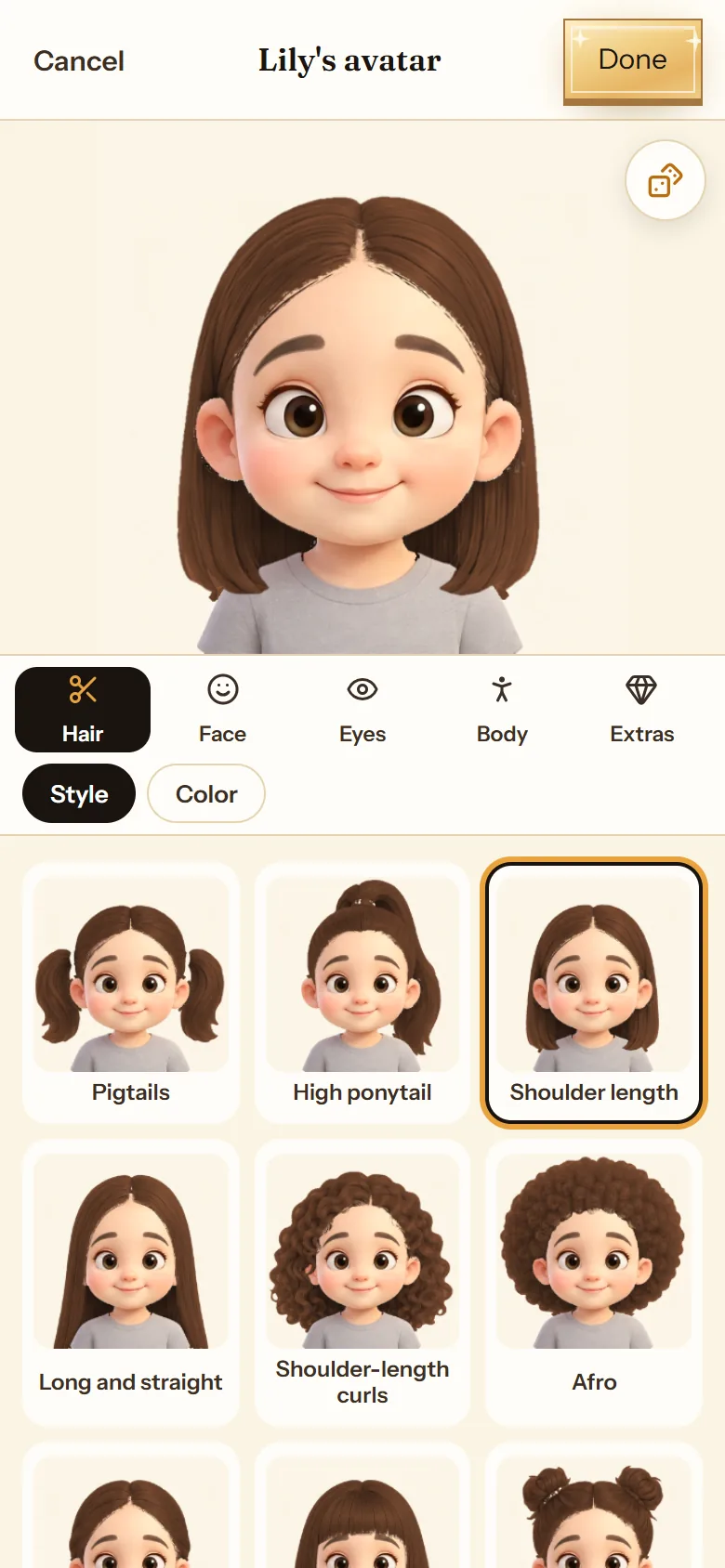
- Hair, face, eyes, body and extras.
- Each trait is one tap.
- “Done” saves the avatar.
Review the portraits
When you press “Draw my cast”, cuentosIA draws each character in the story’s style. On “Your cast is ready” you see them all before anything is written.
- Edit character changes their details or their description.
- Edit illustration touches up the drawing, with quick ideas like an astronaut suit, knight armor, a pirate costume or pajamas.
- Previous versions brings back an earlier portrait.
- Someone missing? Add character adds one more.
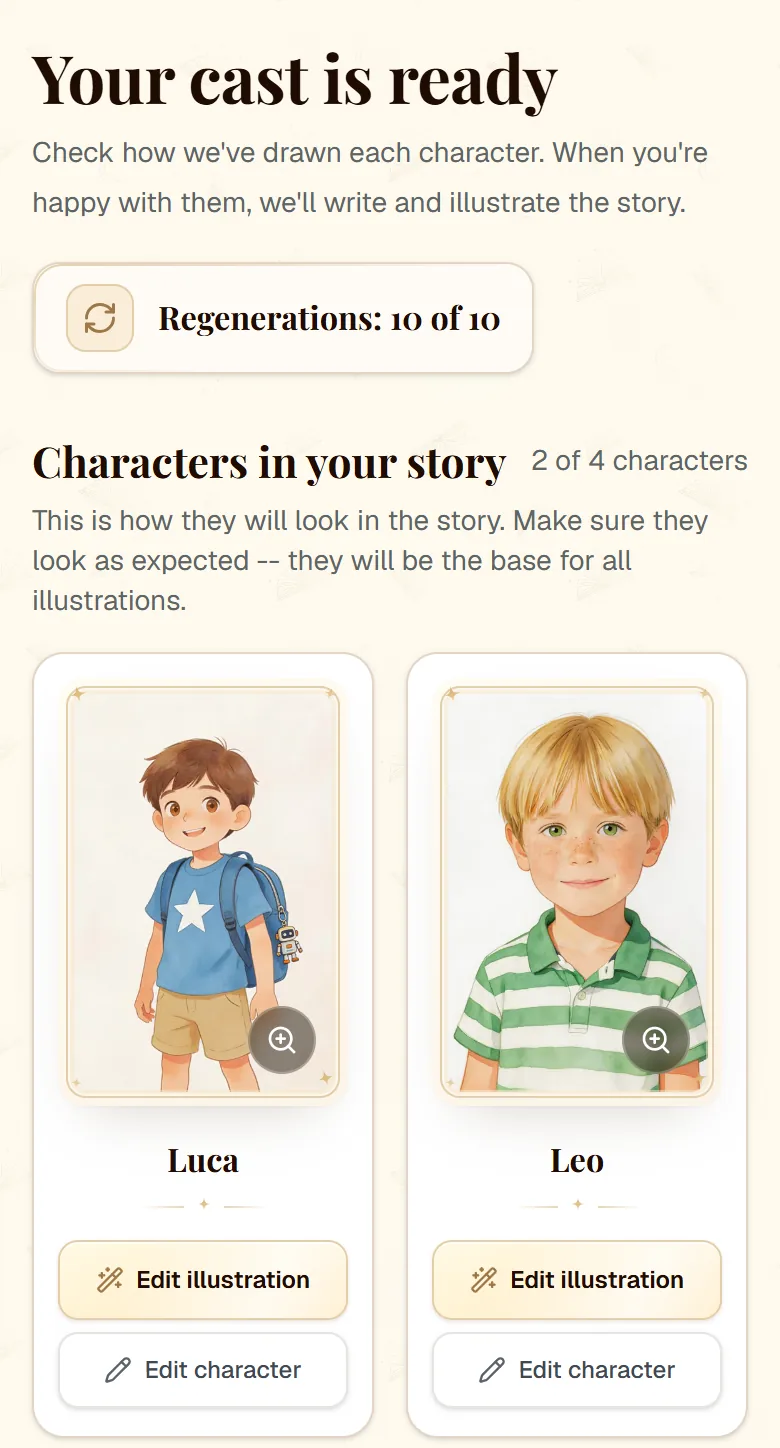
- The story’s regenerations.
- “Edit illustration” touches up the drawing.
- “Edit character” changes their details.
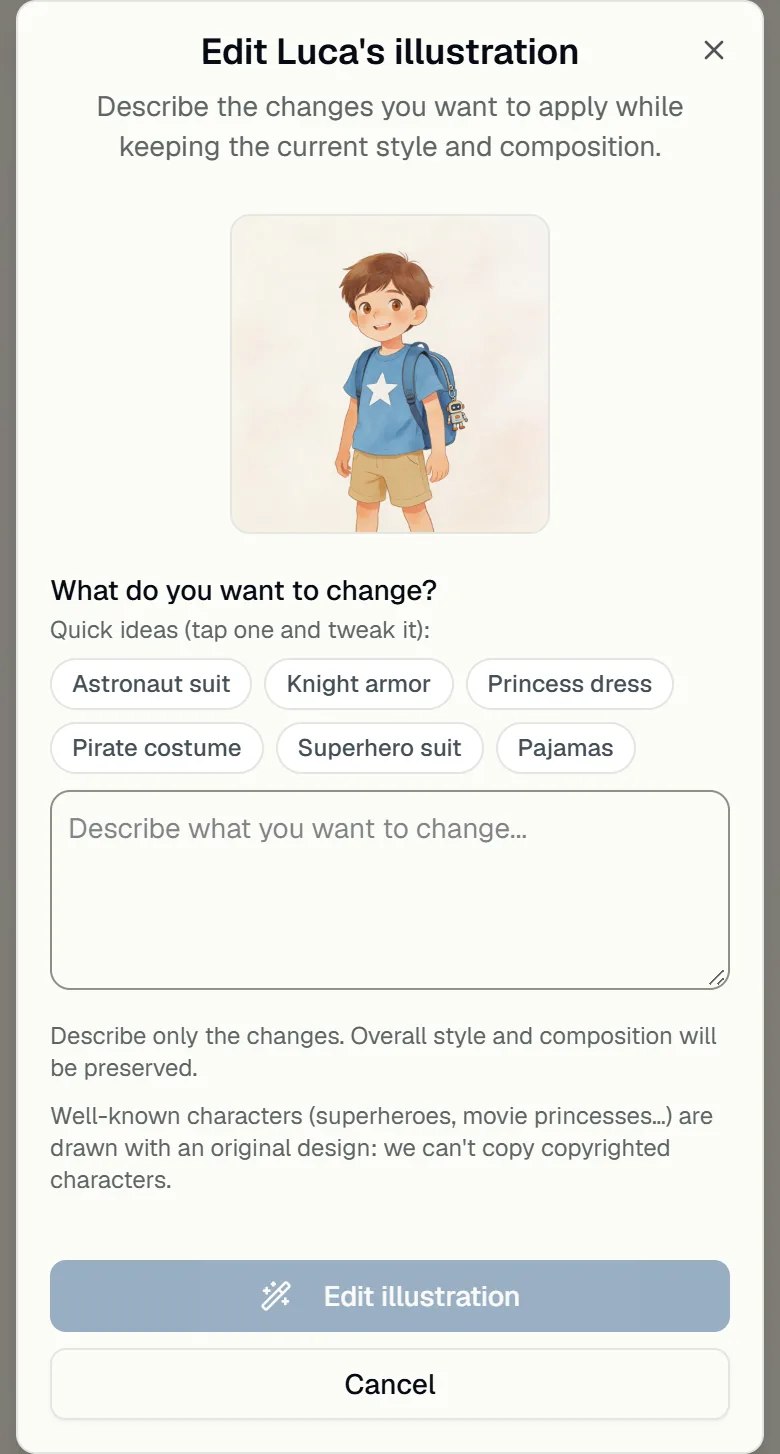
- Quick ideas: a space suit, a costume, pajamas.
- Or describe the change yourself.
Frequently asked questions
Can I make a story that stars me?
Yes. Choose “An adult” as the main character, upload your photo or build your avatar, and pick a children’s story, a story for adults or a memoir.
What kind of photo works best?
A photo of the face, from the front or close to it, in good light, with nothing covering the face and no one else in the shot. If it is a group photo, crop it so only that person shows.
Can our dog be in the story?
Yes: as the main character with “A pet”, or as a companion with the “Pet” shortcut, with their photo, like any other character. Cats, bunnies and other pets work the same way.
What happens to my child’s photo?
It is only used to draw their portrait. The story shows the illustration, never the photo, and the original photo is deleted when the story is finished.
More about this
Your characters, story after story
The characters you create are saved in your account with their portrait and description. In the next story you pick them from a list, without describing them again.
See how it works: Your characters, story after story41 storybook characters to join your own
Snow White, Zeus, King Arthur or Don Quixote can appear in the story alongside your child, looking exactly as they always do.
See how it works: 41 storybook characters to join your ownThe same character in every illustration
The problem with almost every image generator: the main character changes face between pages. Not here, and you can check it across a whole story.
See how it works: The same character in every illustration
Now you know how. Time for yours
All three modes cost the same: one story. If you get stuck on a step, this guide is still here.
Create my storyBack to the guide