One afternoon, GrandmaNana handed him an empty glass jar and said:
What you call Grandma at home
In the Write tab
Tap the word and change it. It saves on its own and costs nothing.
cuentosIA writes and illustrates the story from what you tell it. Then, in the editor, you change the words and the pictures and add what nobody else could know: a pet name, the family dog, the thing you say every night.
Editing the text is free, as often as you like
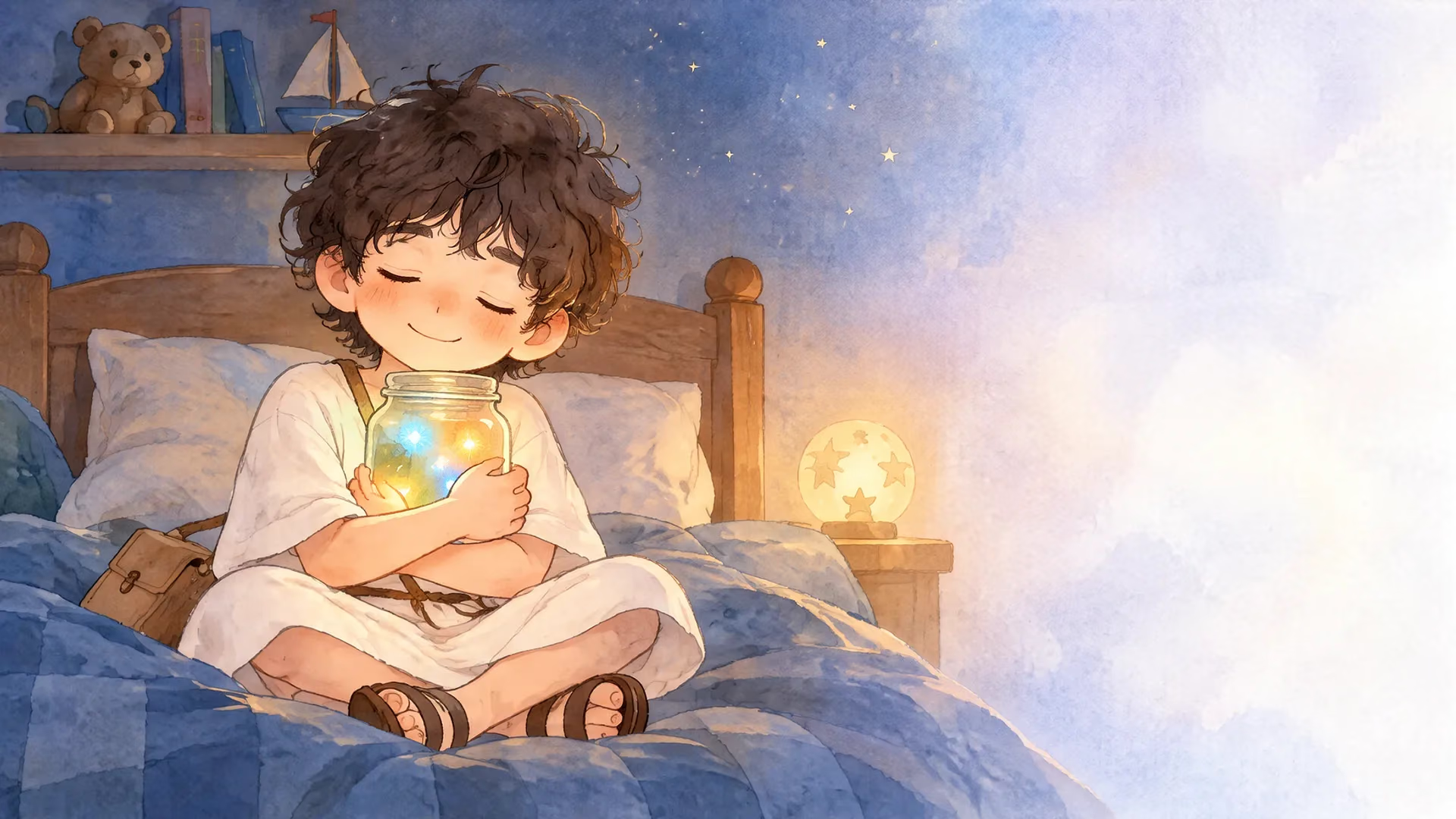
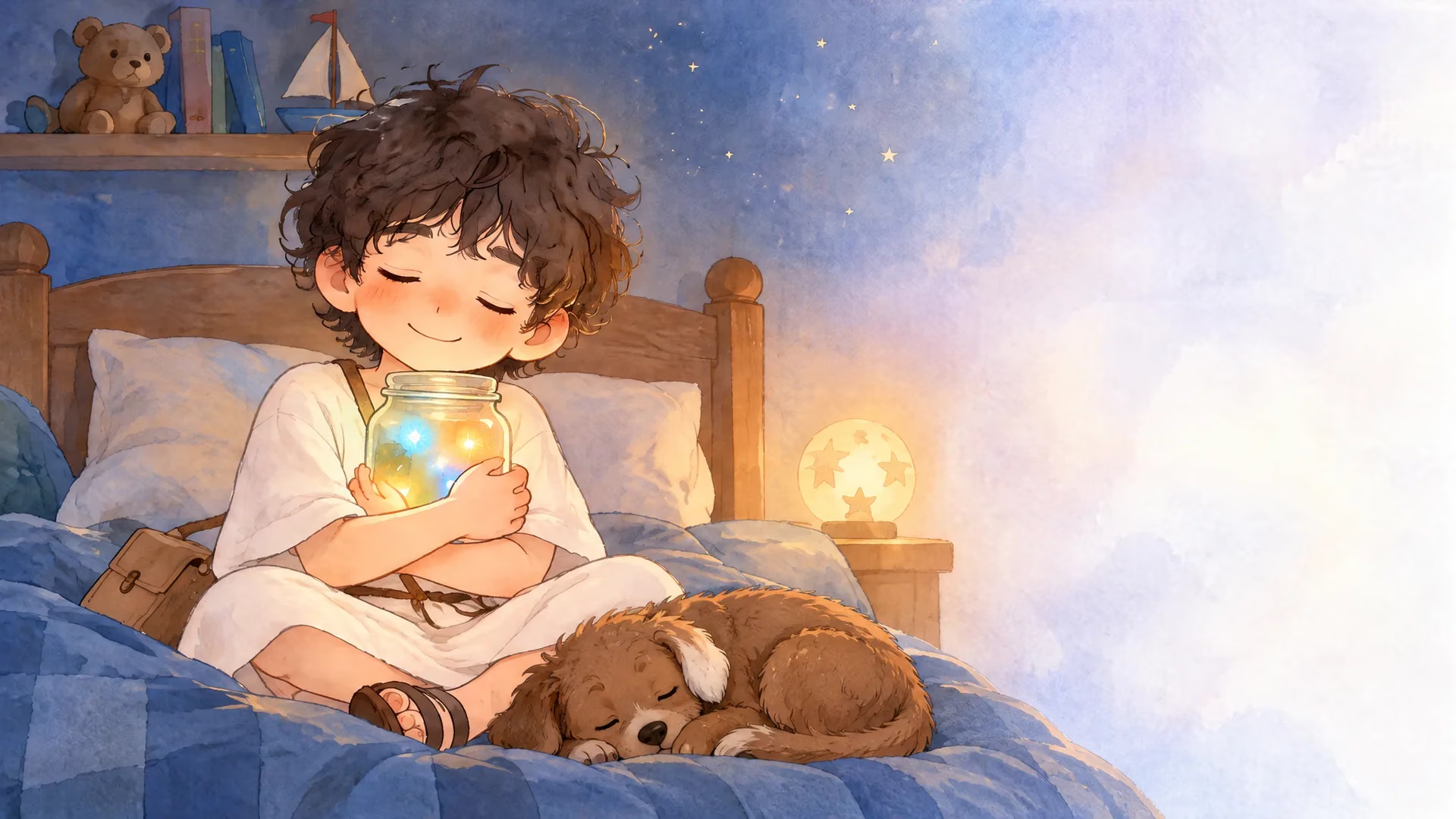
Scene 6 of Teo’s story, changed with that one sentence. Drag to compare: nothing else in the scene moved.
Each one has its own spot in the editor, and none of them takes any design skills.
One afternoon, GrandmaNana handed him an empty glass jar and said:
In the Write tab
Tap the word and change it. It saves on its own and costs nothing.
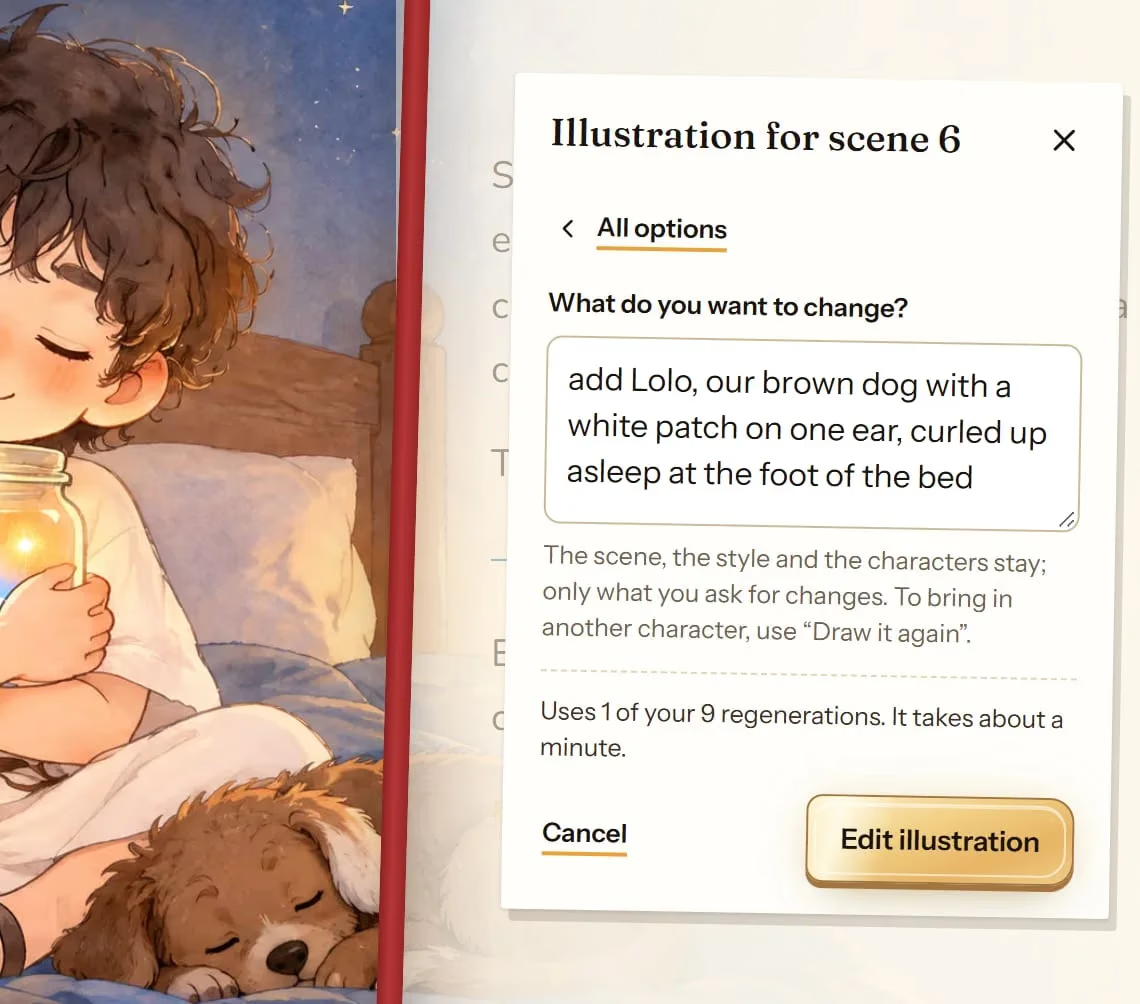
In the Illustrations tab
Ask for it in your own words, and the rest of the scene stays exactly as it was.
For Teo, who says thank you for his day.
All my love, Nana
On the dedication page
The first page anyone reads, written by you. The free gift story has no dedication page, so there it goes on the last page instead.
You edit the story exactly as it will look in the PDF: the words on one page, the illustration on the other.
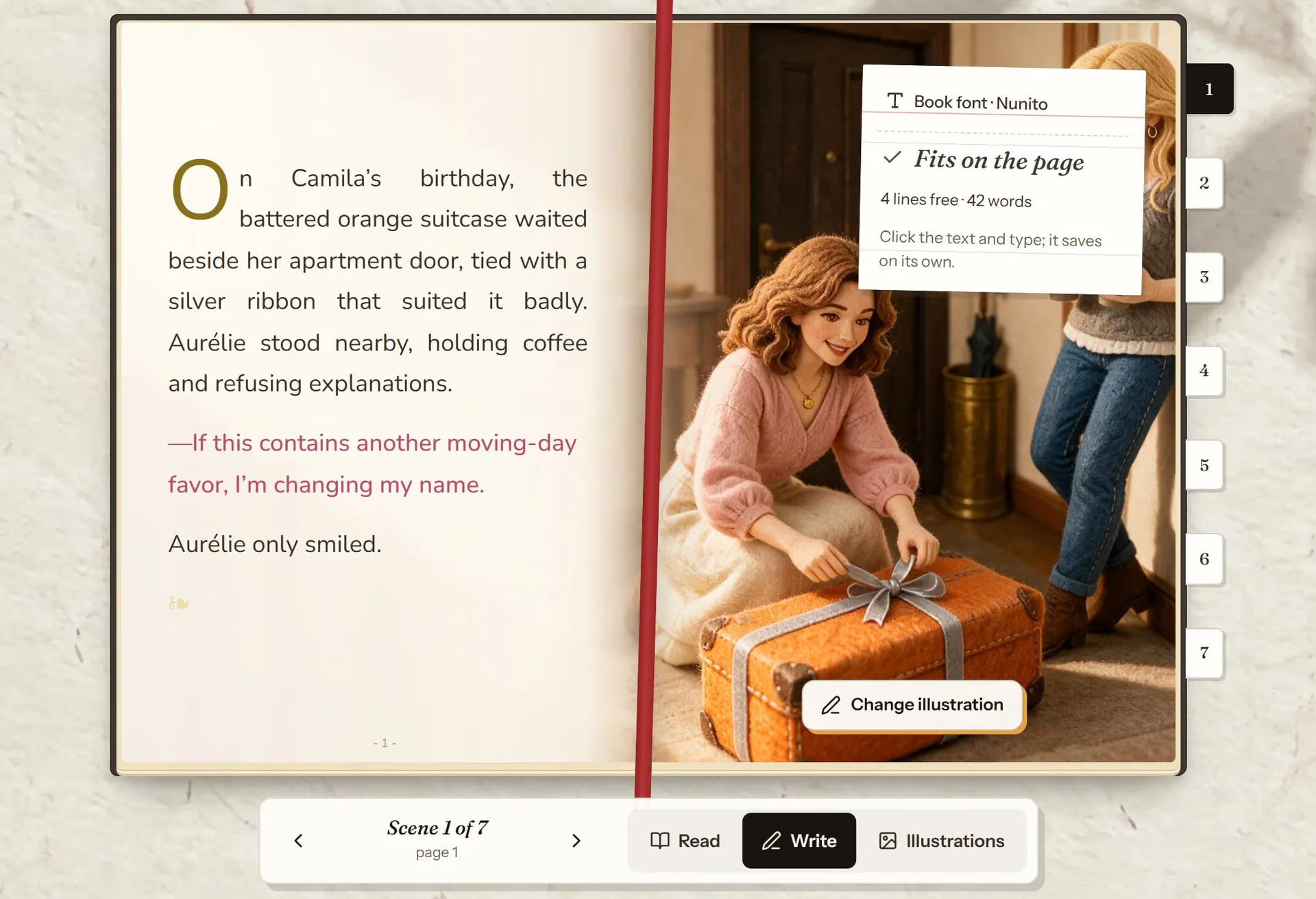
Type right on the page. It saves on its own.
It lets you know when a sentence won’t fit on the page.
Change the illustration with one sentence, or upload your own.
When you’re done, click Update PDF. In about a minute your version is ready to download.
Whatever you do yourself is unlimited. Whatever you ask the AI to do uses one regeneration, and you can always go back.
Change an illustration and the previous one stays in Versions. Bringing it back is free.
| In the editor | Cost |
|---|---|
| Writing and rewriting the text | Free |
| The dedication | Free |
| Changing the story’s font | Free |
| Uploading your own picture | Free |
| Restoring an earlier version | Free |
| Updating the PDF | Free |
| Editing or redrawing an illustration | 1 regeneration |
| Redoing the front or back cover | 1 regeneration |
Every story comes with 10 regenerations (5 on the free gift story). If a generation fails, you get it back.
As often as you like. Typing it yourself is free: regenerations only count when you ask the AI for a new illustration or cover.
Editing keeps the scene, the style and the characters, and changes only what you ask for. Drawing it again makes a new illustration of the scene, which is what you need to bring in another character. Both use one regeneration.
You can keep editing the text with no limit. For more illustrations, you can add a pack of 10 regenerations to that story (not available on the free gift story).
Yes. Undo brings it back right away in the editor, and every revision of the story keeps the previous version.
Nineteen can be picked in any story and six belong to the Club. Here are all 25, each with a real example.
See how it works: The 25 illustration styles for your storySnow White, Zeus, King Arthur or Don Quixote can appear in the story alongside your child, looking exactly as they always do.
See how it works: 41 storybook characters to join your ownThe very story you created, narrated by a professional voice in the language and regional variant it belongs to. It arrives as an MP3 and it is yours for good.
See how it works: Your story, read out loudCreate the story, then add your own details. Anything you do yourself in the editor is free.
Create my storySee all features