Your story is already yours as a PDF, and that PDF is made to go on paper. You can print it on regular sheets in reading order, fold it into a stapled booklet, take it to a print shop or order it as a printed softcover or hardcover book. Here are the exact settings for each option, and what to do if something comes out wrong.
In short
- In your profile, next to the story, click Download PDF and choose A4 format (standard).
- Print it on A4 or US Letter paper, in landscape, with scaling set to Fit.
- If you print double-sided, choose flip on short edge.
Each sheet holds one double page of the story, in order. If you would rather have a stapled booklet, like a magazine, see option 2.
Which way of printing your story suits you?
All four start from the same story. What changes is the finish, what you need and how long it takes.
| Option | What you get | What you need | Cost and time |
|---|---|---|---|
| 1. At home, loose sheets | Loose sheets, one double page per sheet, in reading order | A printer and paper | Just ink and paper; a few minutes |
| 2. Stapled A5 booklet | A 14.8 × 21 cm (5.8 × 8.3 in) booklet, like a magazine | A printer (ideally double-sided), paper and a stapler | Ink and 5 to 8 sheets; print, fold and staple |
| 3. Print shop | The same booklet, with a card cover and better color | The PDF on your phone or a USB stick | Whatever the shop charges |
| 4. Printed book | An A5 softcover or hardcover book on coated paper | Nothing: it arrives at your door | Shipping included, shown in your currency; about 7–10 business days to the UK, 13–15 to the US |
Before you start: the two PDFs of your story
In your profile, the Download PDF button for each story offers two formats:
- A4 format (standard). The story in reading order, two pages per sheet: cover and dedication on the first, then each double page with its illustration running edge to edge, and the back cover at the end. It is the one you read on screen, and the one for options 1 and 3.
- A5 stapled booklet. The same pages, rearranged so that when you print double-sided, fold and staple, you get a booklet in the right order. The first time, it can take up to a minute to prepare. It is the one for options 2 and 3.
The booklet only appears for stories in your own account, when you are signed in. If you downloaded a story from the free story library, you have the A4 PDF: follow option 1.
The PDF is yours: print it as many times as you like, for home, for the grandparents or for school.
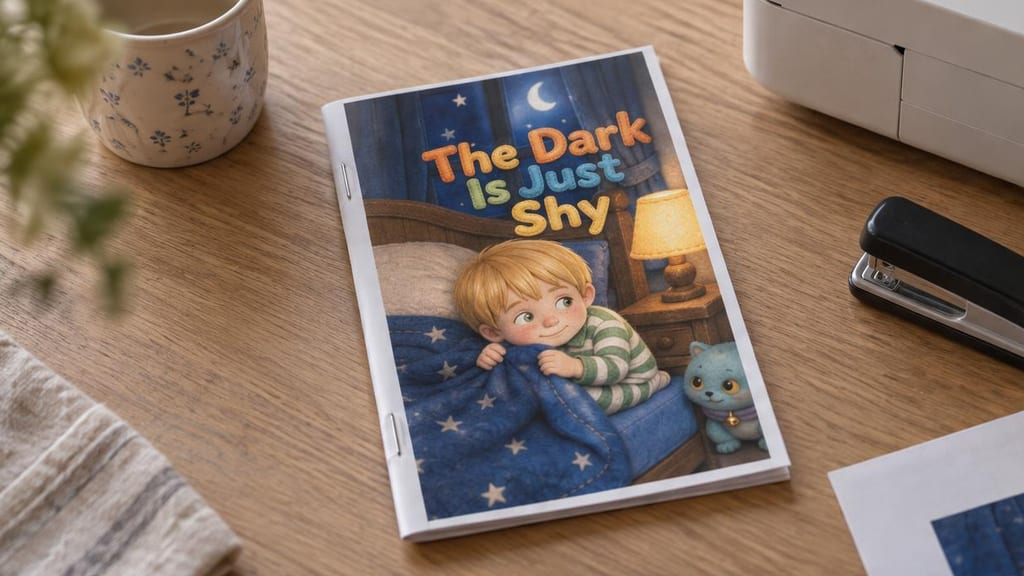
If you want to try with another story first, the photos in this guide show “The Dark Is Just Shy”, which you can download free as a PDF.
Option 1: the PDF on regular paper, in reading order
It is the fastest option and works with any printer. One detail worth knowing: the PDF is slightly larger than an A4 sheet, because it includes a few millimeters of trim margin, like books from a print shop. That is why the right scaling is Fit: the whole sheet fits and nothing is lost at the edges. If you use US Letter paper, choose Letter instead of A4: with Fit, it fits just the same.
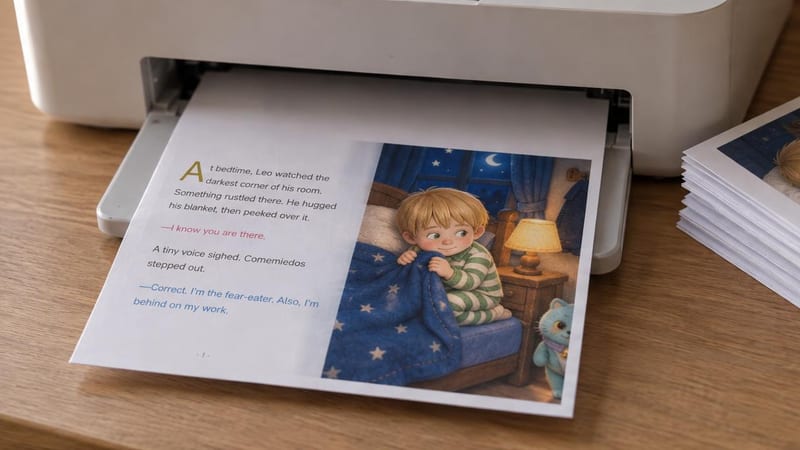
Print settings (Windows and Mac)
- Open the PDF in your usual viewer (Edge or Adobe Acrobat Reader on Windows, Preview on Mac) and press Print (Ctrl+P or Cmd+P).
- Paper: A4 (or Letter). Orientation: landscape.
- Scaling: Fit. Depending on the program, it is called “Fit to printable area”, “Shrink oversized pages” or “Scale to fit”.
- Double-sided, if you use it: flip on short edge. With the long edge, the back comes out upside down.
- Quality: high, with the paper type you are actually using.
To bind it, staple or punch the sheets along the left (short) side and keep them in a binder, or ask the print shop for spiral binding on that side. If you print single-sided, each sheet is a double page and reads just as well.
Option 2: a stapled A5 booklet, like a magazine
With the booklet PDF, cuentosIA has already rearranged the pages: you print double-sided, fold the stack in half, staple along the fold and the story is in order, in a 14.8 × 21 cm booklet with a front and back cover.
Download it from your profile: click Download PDF and choose A5 stapled booklet.
Why the pages come out “jumbled”
When you print it, you will see half illustrations next to others that have nothing to do with them, and the odd blank page. It is not a mistake: in a stapled booklet, the first page shares a sheet with the last, the second with the second-to-last, and so on to the middle. Each double-page illustration is split across two sheets and comes back together when you fold.
This is how the sheets of a 12-page story come out, the most common length. Before them, the PDF has a guide sheet with the steps and a double-sided test, which does not go inside the booklet. “Page 1” is the first page of the story, after the dedication:
-
Sheet 1
Front sideBack coverFront coverBack sideBlankBlank
-
Sheet 2
Front sideBlankDedicationBack sidePage 1Blank
-
Sheet 3
Front sideBlankPage 2Back sidePage 3Page 12
-
Sheet 4
Front sidePage 11Page 4Back sidePage 5Page 10
-
Sheet 5
Front sidePage 9Page 6Back side (center)Page 7Page 8
Sheet 1 holds the front and back cover together, with a blank back: those are the insides of the covers, like in a real book. The blank pages at the end are there because a booklet always comes in multiples of four pages. You can leave them as they are, or use them for your child to draw their own ending.
How many sheets it takes, by story length
| Story pages | Standard A4 | A5 booklet | Center of the booklet |
|---|---|---|---|
| 12 | 8 sheets, or 4 double-sided | 5 sheets | Pages 7 and 8 |
| 14 | 9 sheets, or 5 double-sided | 5 sheets | Pages 7 and 8 |
| 16 | 10 sheets, or 5 double-sided | 6 sheets | Pages 9 and 10 |
| 18 | 11 sheets, or 6 double-sided | 6 sheets | Pages 9 and 10 |
| 20 | 12 sheets, or 6 double-sided | 7 sheets | Pages 11 and 12 |
| 22 | 13 sheets, or 7 double-sided | 7 sheets | Pages 11 and 12 |
| 24 | 14 sheets, or 7 double-sided | 8 sheets | Pages 13 and 14 |
Not counting the guide sheet at the start. Educational stories also include objectives and questions pages, so they may take one more sheet and the center shifts.
How to print the booklet
- Turn on double-sided printing and choose flip on short edge (the same setting as in the option 1 drawing).
- Landscape orientation and Fit scaling.
- Test with the guide sheet: print only pages 1 and 2 of the PDF and turn the sheet over like the page of a book. If the back reads the right way up, double-sided printing is set up correctly.
- Print the rest, from page 3 to the end, and keep the sheets in the order they come out. Do not remove any, not even the ones with blank halves: the only one you set aside is the guide sheet.
How to fold and staple it
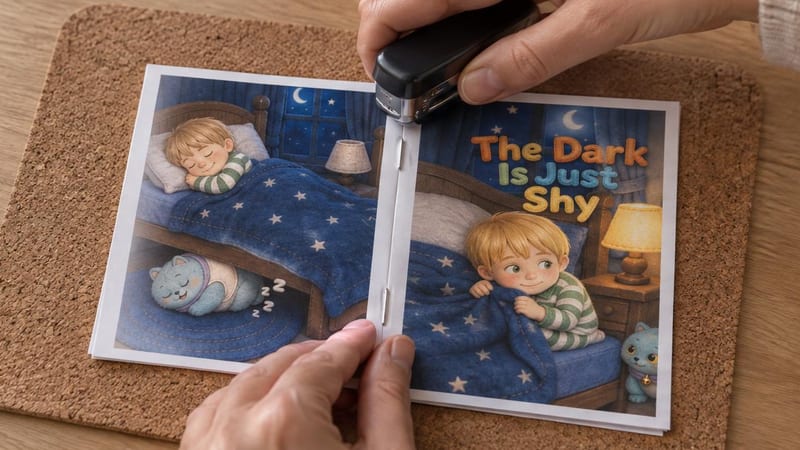
To check it, open the booklet in the middle: in a 12-page story, pages 7 and 8 must appear side by side (for other lengths, see the table). If you cannot get the cover on the outside without changing the order, your printer stacks the sheets in reverse: reverse the order of the stack and fold again.
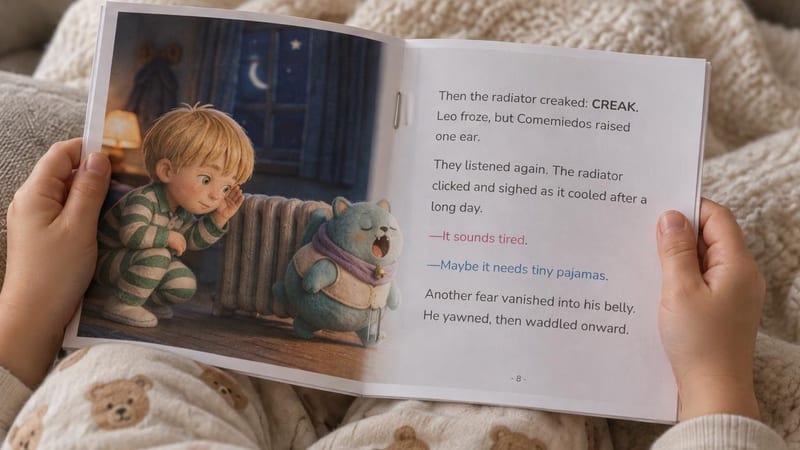
If your stapler does not reach the middle: open it all the way, lay the open booklet on a cork board or a piece of cardboard and staple through the fold from the outside. Then bend the staple points inward with the edge of a ruler.
Option 3: take it to a print shop
If you do not have a printer, or you want the booklet to look better than a home print, a print shop or copy center can do it quickly: they usually have color laser printers, heavier paper and long-reach staplers. Bring the booklet PDF on your phone or a USB stick (or email it ahead) and ask for exactly this:
“Color, on A4 (or Letter), double-sided, flipped on the short edge. Folded and saddle-stitched. If possible, the first sheet on 200 gsm card stock.”
“Saddle-stitched” is the trade name for staples in the fold. If you prefer the standard A4 PDF, ask for spiral binding on the short side. Either way, ask to see a test sheet before they print the whole thing.
Option 4: the book printed by cuentosIA
If it is a gift, or you want it to last for years, cuentosIA prints it and ships it to your home. It is an A5 book (14.8 × 21 cm) on premium 118 gsm coated paper, matte and full color, in two versions:
- Softcover: light, easy for small hands to hold, saddle-stitched.
- Hardcover: a rigid cover with a spine, sturdier, and it opens almost flat for reading together.
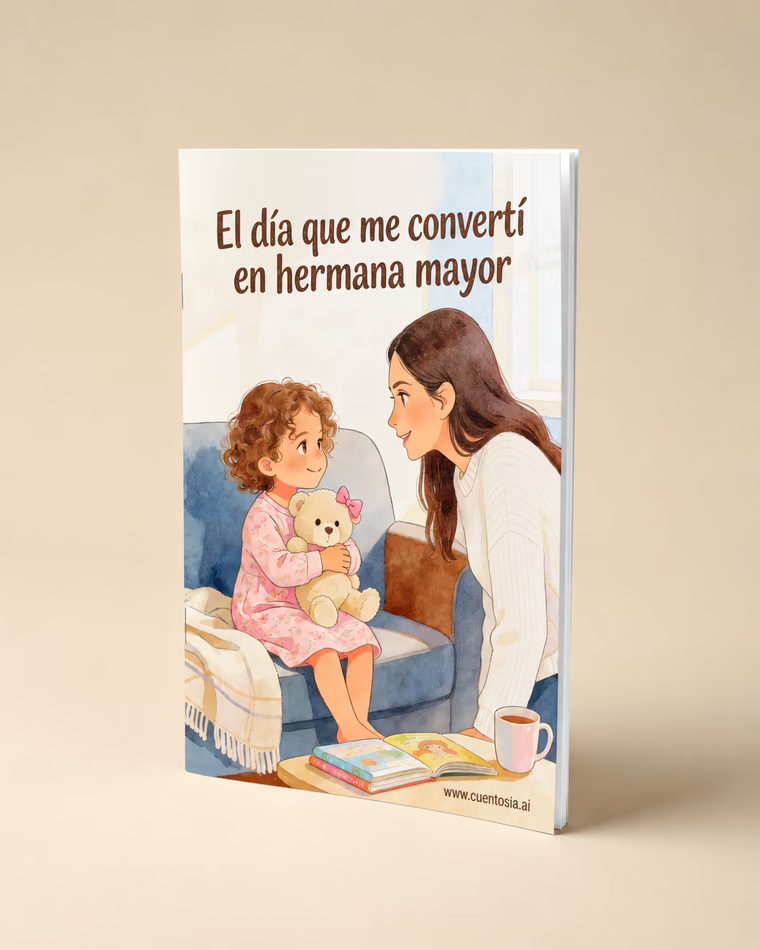
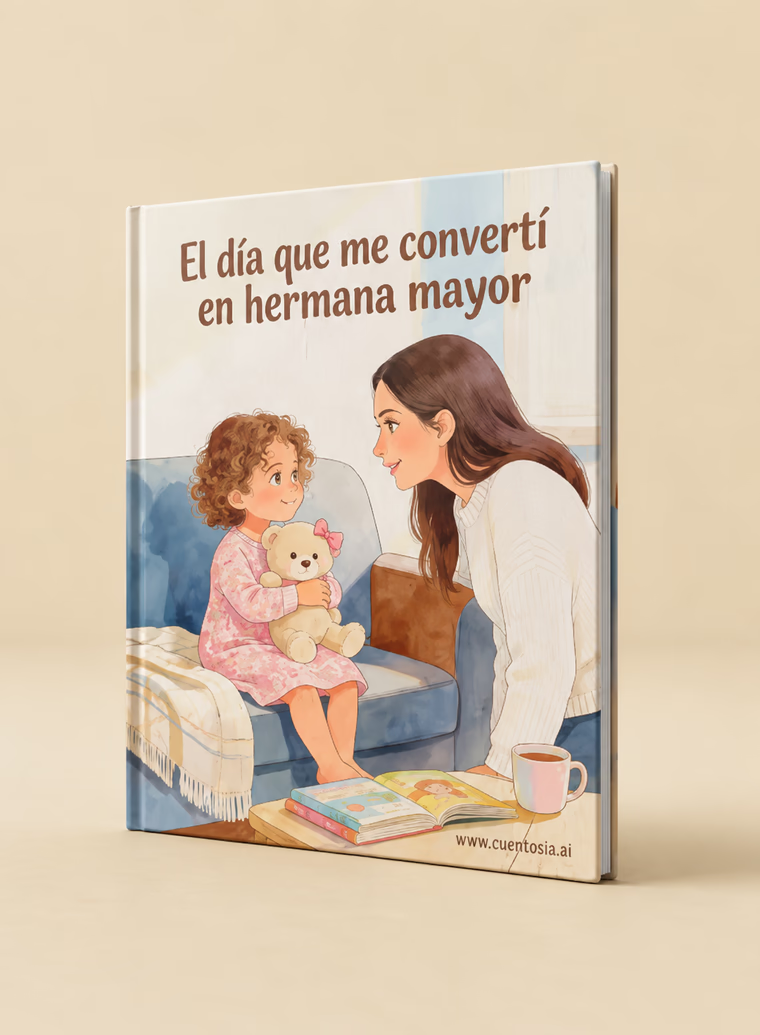
The price you see already includes shipping, and it appears in your currency when you choose your country. It arrives in about 7–10 business days in the UK and 13–15 in the US, and ships to 21 countries. If it is a gift, you will find ideas by occasion in gifts.
Paper, ink and finish
- Paper: regular 80 gsm (20 lb) office paper works. A 100 to 120 gsm paper (about 28 to 32 lb) shows through less and holds up better to many readings.
- Cover: if your printer takes 160 to 200 gsm card stock (usually through the manual feed tray), use it for the first sheet of the A4 print or for sheet 1 of the booklet.
- Photo paper: most of it can only be printed on one side, so it does not work for double-sided printing or the booklet.
- Color: high quality and the right paper type in the print dialog. With an inkjet, let the sheets dry for a few minutes before folding them.
- For little ones: laminate the cover or slip the A4 sheets into plastic sheet protectors. They hold up better to sticky hands.
If something goes wrong
The back comes out upside down.
Double-sided printing is flipping on the long edge. Switch it to “short edge” and print again.
The edge of the illustration gets cut off.
Scaling is set to “Actual size” or 100%. Change it to “Fit”. A thin white margin around the edge is normal: almost no home printer prints all the way to the edge.
The booklet comes out jumbled or with blank pages.
That is expected. Compare your sheets with the map in option 2 and fold without reordering anything.
My printer cannot print double-sided.
- Print only the odd pages of the PDF. In many programs you type them into the “Pages” field; for a 12-page booklet, that would be 1, 3, 5, 7, 9, 11 (page 1 is the guide sheet).
- Put the stack back in the tray without changing the order. Which way to turn it depends on the printer: test first with a sheet marked with a pencil X.
- Print the even pages. If the back of the first sheet gets the last page, repeat with “reverse order” checked.
Colors look dull or streaky.
Set quality to “high”, choose the paper type you are using and, if there are streaks, clean the print heads from the printer utility.
I cannot see the booklet option.
It only appears for stories in your account: sign in and find it in your profile. Stories from the free library download in A4 (option 1).
Where to go next
cuentosIA was born to get kids reading more (here is how it started), and reading on paper, turning pages with someone beside them, is one of the best ways to do it.
If you do not have your story yet, you can start with one from the free story library, which you can also download as a PDF, or create one with your child's name. And if you want to see what else you can do with it besides printing, it is all in the complete cuentosIA guide.
Keep reading
To put this into practice, here is a related collection and two free stories: